
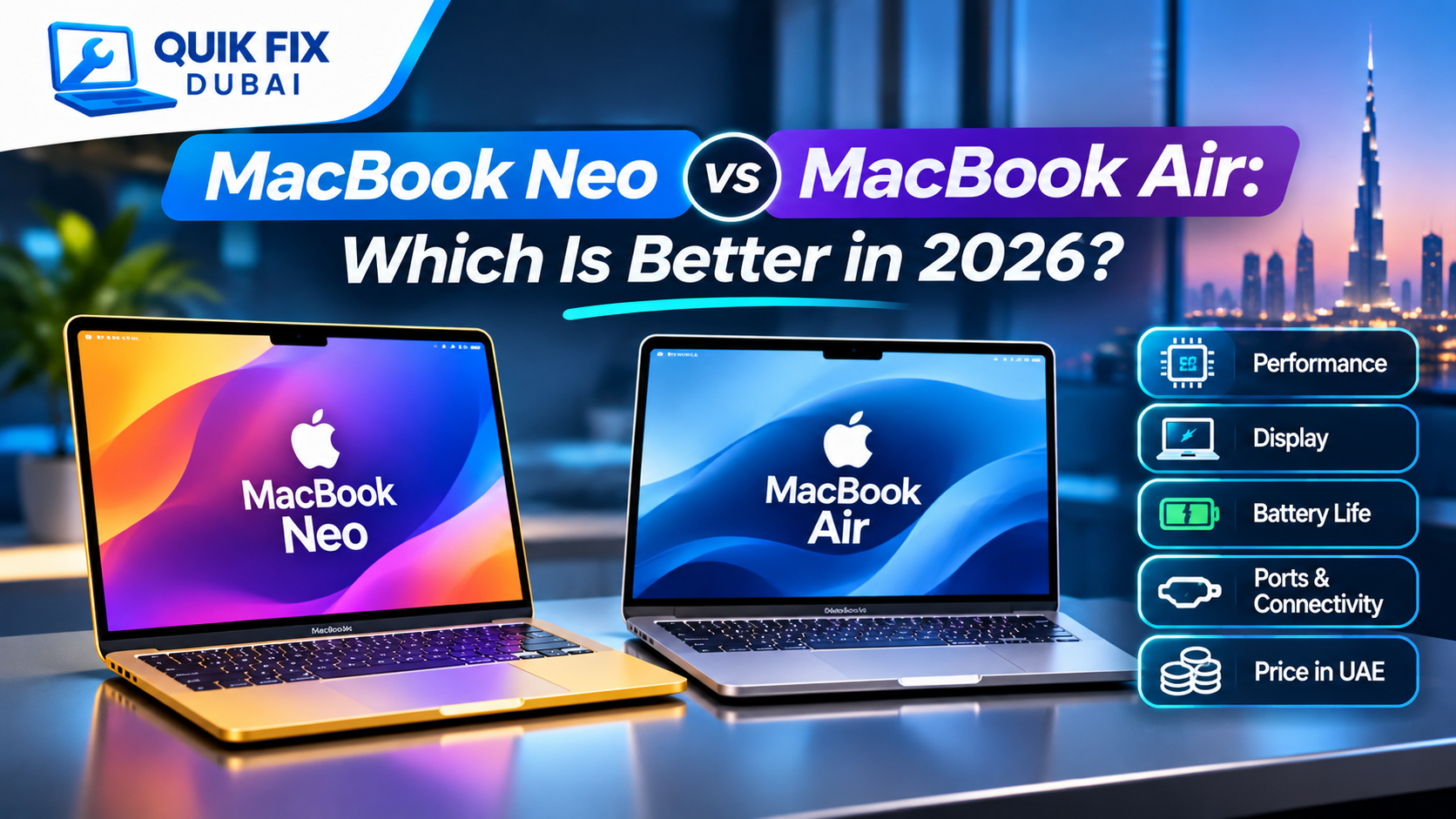
In 2026, Apple has launched another MacBook variant called MacBook Neo. This is a budget laptop that helps people get Mac laptops within their budget. In addition to MacBook Neo, MacBook Air is still there that is preferred by students, professionals, business owners, and content creators who require more power from the device.
However, since there are two different MacBooks to choose from, selecting one among these two is difficult for most people.
Do you go with the budget MacBook Neo or should you consider getting the MacBook Air that is relatively costly? How about the performance, battery life, display, and other features of these two?
In this article, QuikFix Dubai reviews the MacBook Neo vs MacBook Air in 2026 in terms of specifications, performance, display, battery, design, ports, and usability.
We also tell you which MacBook is better for students, professionals, and business users in the UAE.
MacBook Neo vs MacBook Air: Quick Comparison
Before looking at the individual features, here is a quick comparison of the two laptops.
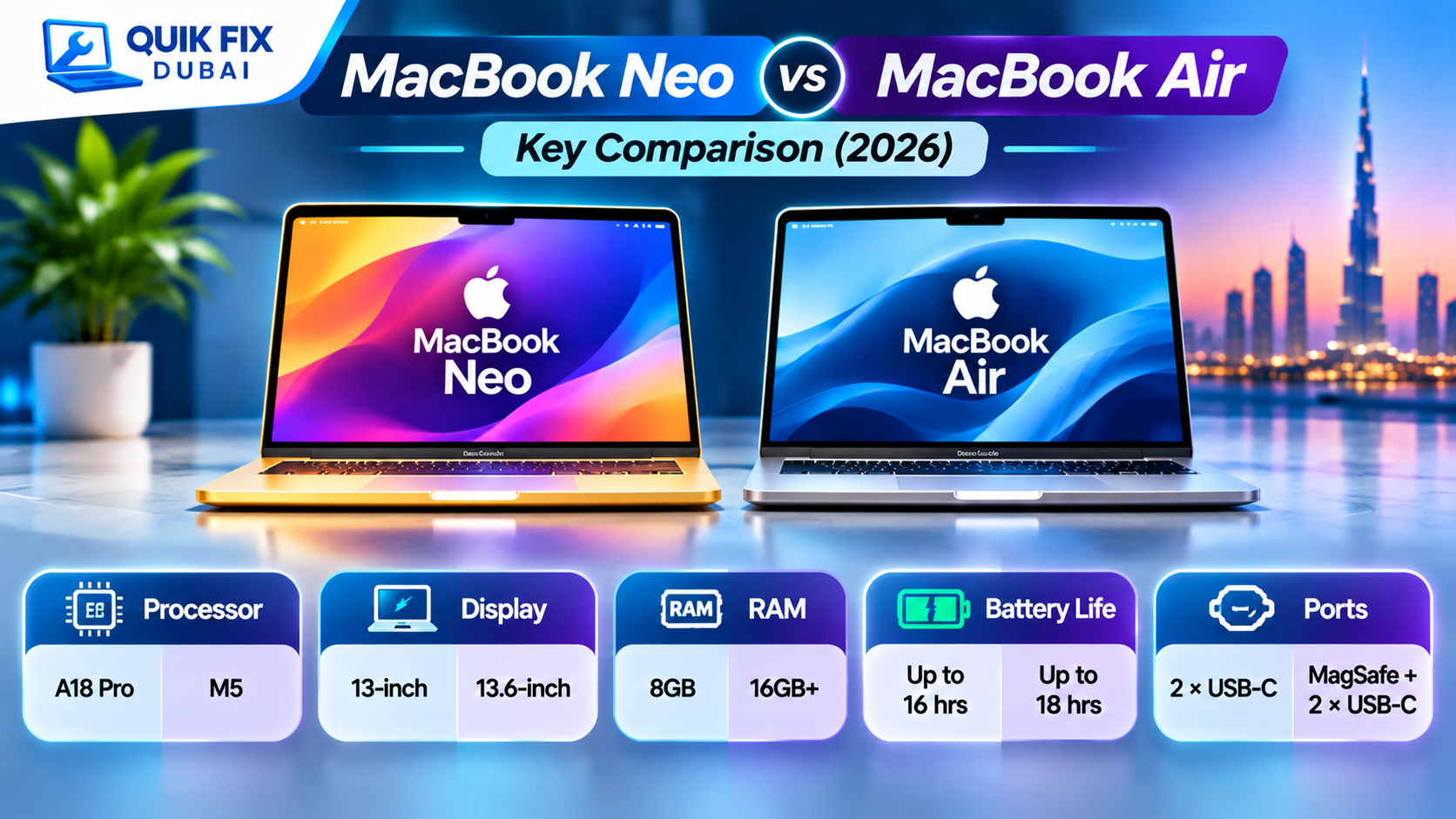
| Features | MacBook Neo | MacBook Air M5 |
|---|---|---|
| Processor | Apple A18 Pro | Apple M5 |
| Display | 13-inch Liquid Retina | 13.6-inch Liquid Retina |
| Resolution | 2408 × 1506 | 2560 × 1664 |
| Memory | 8GB unified memory | 16GB, configurable to 24GB or 32GB |
| Storage | 256GB / 512GB | 512GB, configurable up to 4TB |
| Battery life | Up to 16 hours | Up to 18 hours |
| Charging | USB-C | MagSafe 3 and USB-C |
| Keyboard | Magic Keyboard | Backlit Magic Keyboard with Touch ID |
| Cooling | Fanless | Fanless |
| Best for | Students and everyday users | Professionals and multitasking |
Performance: A18 Pro vs M5 Chip
Performance of MacBook Neo
The MacBook Neo has the same chip as its predecessor – Apple’s A18 Pro, originally used in the iPhone 16 Pro generation.
While it is based on mobile processors architecture, it gives enough performance for most everyday computing tasks.
You can easily work with your MacBook Neo doing:
- Web browsing and research.
- Microsoft Office applications.
- Emails and business communications.
- Video and voice calls.
- Creating documents and presentations.
- Basic photo editing.
- Everyday applications with AI capabilities.
- The A18 Pro features 5-core GPU and 16-core Neural Engine.
If you are a student or an everyday user that mostly works with documents, browsers, and everyday applications, you will easily find the way into the Apple universe with the MacBook Neo.
Performance of MacBook Air M5
The MacBook Air is equipped with M5 chip designed for Macs that provides more processing power and graphic performance.
With its 10-core CPU and configurable GPU, it is much more capable in multitasking and demanding applications.
So the MacBook Air is better for:
- Professional photo editing.
- Software development.
- Multitasking for business needs.
- Graphic design.
- Creating large spreadsheets.
- Other creative applications.
- Running several applications at once.
- It starts off with 16GB of unified memory
Display Comparison: MacBook Neo vs MacBook Air
The display is one of the most important components when you use your laptop daily for many hours.
MacBook Neo Display
The MacBook Neo has a 13-inch Liquid Retina display with the following characteristics:
- 2408 x 1506 resolution.
- 500 nits of brightness.
- support of 1 billion colors.
- anti-reflective layer.
- the display offers good visibility of text, beautiful images, and pleasant viewing experience for everyday activities.
MacBook Air Display
The MacBook Air has a bigger 13.6-inch Liquid Retina display with:
- 2560 x 1664 resolution.
- 500 nits of brightness.
- wide P3 color range.
- True Tone.
Thanks to the wide P3 color gamut, the MacBook Air is a better choice for color-related work, such as photography, graphic design, video editing.
True Tone automatically changes the display color temperature based on the environment light.
Winner in terms of display: MacBook Air M5
The MacBook Neo offers a good display for everyday activities, however, the MacBook Air offers more display capabilities that may be useful for creative people.
Design and Build Quality
MacBook Neo Design
The MacBook Neo has a robust aluminium body design and comes with round edges.
It comes in four different colors:
- Silver
- Blush
- Indigo
- Citrus
Due to the colorful nature of the body design, it appeals to students and people who require a personalized laptop.
MacBook Air Design
The MacBook Air comes with Apple’s aluminum unibody design, which is sleek and premium.
Colors offered include:
- Sky Blue
- Silver
- Starlight
- Midnight
This laptop is built to be portable but looks professional.
The two laptops weigh about 2.7 pounds, making them easy to carry from home, office, college, and meetings.
Winner in terms of design: Depends on personal choice
Pick the Neo because of its colorful body and affordability. Go for the Air because of its premium unibody design.
Battery Life: Which MacBook Lasts Longer?
Laptop battery life is crucial for those who have to be away from home during work hours or attend meetings all day long.
MacBook Neo Battery
According to Apple, the MacBook Neo can provide video streaming for up to 16 hours.
This laptop is built to perform the following tasks efficiently:
- Using the Internet.
- Reviewing files.
- Watching videos.
- Attending online meetings.
- Using productivity software.
MacBook Air Battery
The MacBook Air M5 provides video streaming for up to 18 hours and wireless web browsing for up to 15 hours.
- Being equipped with an efficient M5 processor, this laptop can boast of a long battery life.
- Battery duration may vary depending on brightness level, applications used, and other factors.
Battery winner: MacBook Air M5
The MacBook Air M5 provides more video streaming battery life compared to the MacBook Neo.
Connectivity and Ports: Which Offers More Flexibility?
Connectivity can help in making a big impact when connecting external monitors, storage, and office accessories.
Ports in MacBook Neo
MacBook Neo comes with:
- Two USB-C ports.
- 3.5 mm headphone jack.
One USB-C port is used to connect a charger to the laptop, which leaves only one USB-C port usable for accessories.
Ports in MacBook Air
MacBook Air comes with:
- Two Thunderbolt 4 USB-C ports.
- MagSafe 3 charging port.
- 3.5 mm headphone jack.
- A separate connection to the charger makes it possible to use both Thunderbolt 4 ports for accessories.
The Air is capable of using up to two external monitors with some configurations.
Connectivity winner: MacBook Air M5
The extra MagSafe connector and Thunderbolt 4 make it more flexible.
Which MacBook Is Better for Students and Professionals?
What kind of MacBook do you need?
Buy MacBook Neo If:
MacBook Neo will be appropriate if you:
- Are a student at the university/college level.
- Use mostly web browsers and office applications.
- Deal with documents and presentations.
- Join web meetings.
- Need a light laptop.
- Require an inexpensive Apple laptop.
MacBook Neo will suit your daily work with its practical set of features.
Buy MacBook Air If:
MacBook Air is what you need if you:
- Deal with many applications.
- Work with difficult business-related tasks.
- Work with photos and videos.
- Create with graphic design programs.
- Develop software.
- Have greater needs in terms of memory.
- Want to connect additional monitors and accessories.
MacBook Neo vs MacBook Air: Which Is Better for Long-Term Use?
Purchasing a MacBook is an investment, and therefore the long-term usability of the computer should be considered during the process as well.
The Neo MacBook can serve all of your daily needs in terms of productivity. However, the 8 GB of unified memory and lower amounts of storage available on this MacBook will limit the possibilities for the future.
In contrast, the MacBook Air comes with 16 GB of unified memory and can be upgraded up to 32 GB.
Both MacBook types are equipped with integrated storage and cannot be used with internal SSD upgrades performed by users.
Therefore, for those people who want to make an investment that will last a few years, choosing enough memory and storage while buying the computer is essential.
Winner in terms of long-term flexibility: MacBook Air M5
Common MacBook Problems and Repair Considerations
Regardless of whether you buy MacBook Neo or MacBook Air, maintenance is vital to keep your device healthy.
Just like other electronic devices, MacBooks can face hardware or software problems during regular use.
Here are some problems that MacBook users might encounter.
MacBook Screen Problems
Dropping, pressing, and other impacts can lead to screen damage.
In case of some models and screen damage extent, you will need to diagnose the problem professionally or replace the display assembly.
MacBook Battery Issues
With time, rechargeable batteries wear out.
Some signs are as follows:
- Battery drains fast.
- Unexpected shutting down.
- Charging problems.
- Battery service warnings.
- Battery swelling.
If you notice such problems, then you should think about MacBook battery check.
MacBook Overheating
The overheating can affect performance and might mean some problems with cooling, environment, and hardware.
Make sure your MacBook is on a suitable surface and does not block ventilation openings if there are any on your MacBook model.
MacBook Charging Issues
An adapter, cable, charging port, or charging circuit malfunction can lead to MacBook charging problems.
Professional diagnostics will aid in the discovery of the real issue.
MacBook Logic Board Issues
The logic board manages various hardware operations, and any damage to it will result in MacBook charging problems, unexpected shutdowns, or non-bootable MacBook.
If you are facing such hardware issues, then it is advised to go for professional testing.
In Dubai, if you are a MacBook owner, then QuikFix Dubai can provide you with service for your MacBook models.
Why Choose QuikFix Dubai for MacBook Repair?
Regardless of the fact that you own MacBook Neo, MacBook Air, or MacBook Pro, taking proper care of your machine is crucial to ensure optimal performance.
At QuikFix Dubai, we offer various MacBook repair solutions for different kinds of hardware and performance issues.
The solutions include:
- MacBook Screen Repair & Replacement.
- MacBook Battery Replacement.
- MacBook Logic Board Repair.
- MacBook Liquid Damage Repair.
- MacBook Keyboard & Trackpad Repair.
- MacBook Charging Port Repair.
- MacBook Data Recovery.
- Storage & SSD Upgrade Solutions for compatible machines.
Why choose QuikFix Dubai?
- MacBook repair professionals.
- Professional diagnosis of the machine.
- High-quality replacement parts.
- Free diagnostic assessment.
- Free Pickup & Delivery services in Dubai.
- Guarantee for eligible repairs in writing.
Should you face any issue related to the display, battery, charging or other hardware of your MacBook, our experts will help diagnose the problem and provide an appropriate solution.
Looking for professional MacBook repair in Dubai?
Get in touch with QuikFix Dubai on +971 50 925 3370.
MacBook Neo vs MacBook Air – Which Should You Buy in 2026?
MacBook Neo and MacBook Air cater to diverse groups of customers.
MacBook Neo would be the best starting point for students, casual users, and those who want to use their laptops mostly for surfing, documents, communication, and general activities.
MacBook Air M5 would be the appropriate choice for professionals, entrepreneurs, programmers, and other users who need more power, memory, screen features, and connections.
Recommendations:
- Go for MacBook Neo if you value affordability and basic computing tasks.
- Go for MacBook Air M5 if you value speed and performance.
- Go for MacBook Pro if you are into creative or professional tasks.
Take into account your workload, capacity of storage, and the lifetime of your laptop before making a decision.
And if you face any technical issues with your MacBook, QuikFix Dubai can assist you with finding proper solutions for repairs.
QuikFix Dubai provides professional MacBook repair services, including screen replacement, battery replacement, logic board repair, charging issues, and liquid damage repair. Contact the team to arrange a diagnostic assessment.
The MacBook Air M5 is better suited to more demanding photo and video editing workloads. For regular high-resolution video production and intensive creative tasks, consider the MacBook Pro.
Neither model supports a conventional user-installed internal SSD upgrade. Storage is integrated into the device architecture, so choose an appropriate storage configuration when purchasing.
The MacBook Air M5 offers up to 18 hours of video streaming, compared with up to 16 hours for the MacBook Neo, based on Apple’s advertised figures.
The MacBook Neo is better for budget-conscious users and everyday computing. The MacBook Air M5 is better for multitasking, professional applications, and demanding workloads.
Leave A Comment