
With the release of 2026 touchscreen MacBook Pro by Apple, the company has brought about a revolution in terms of their MacBook series of laptops, incorporating new tandem OLED display, Multi-Touch feature along with Apple’s PROLED XDR technology.
Where touchscreen technology is creating new vistas for professionals, designers and everyone else, one cannot help but wonder about the future scenario if the touchscreen MacBook Pro were to get cracked or otherwise damage its display.
Being quite different from conventional MacBook, the touchscreen model not only combines display technology with touchscreen capabilities. Knowing about the kinds of display problems that might arise, the warning signs and the repair solutions will help save your investment.
This blog post by QuikFix Dubai tells you all about the problems of touchscreen MacBook Pro display and how you should address them.
What Makes the 2026 MacBook Pro Touchscreen Different?
With the introduction of the 2026 MacBook Pro, Apple has joined the ranks of manufacturers that utilize a touchscreen technology in their products. This is the first-ever Mac which features the new PROLED XDR display that allows for a better colour contrast, better responsiveness and far superior performance overall.
Some major features of the new display technology include:
- Built-in touch sensors: the touch functionality is hardwired into the display system itself.
- Tandem OLED technology: This technology is responsible for producing more brilliant colours as compared to other technologies.
- 120Hz rate of refresh: This refresh rate allows for smooth scrolling.
- Higher touch responsiveness: This means that drawing and selecting are made easier as compared to other systems.
- Better creative control: This technology allows for designers or musicians to work on their project goals within the supported applications.
What Happens If Your Touchscreen MacBook Pro Display Gets Damaged?
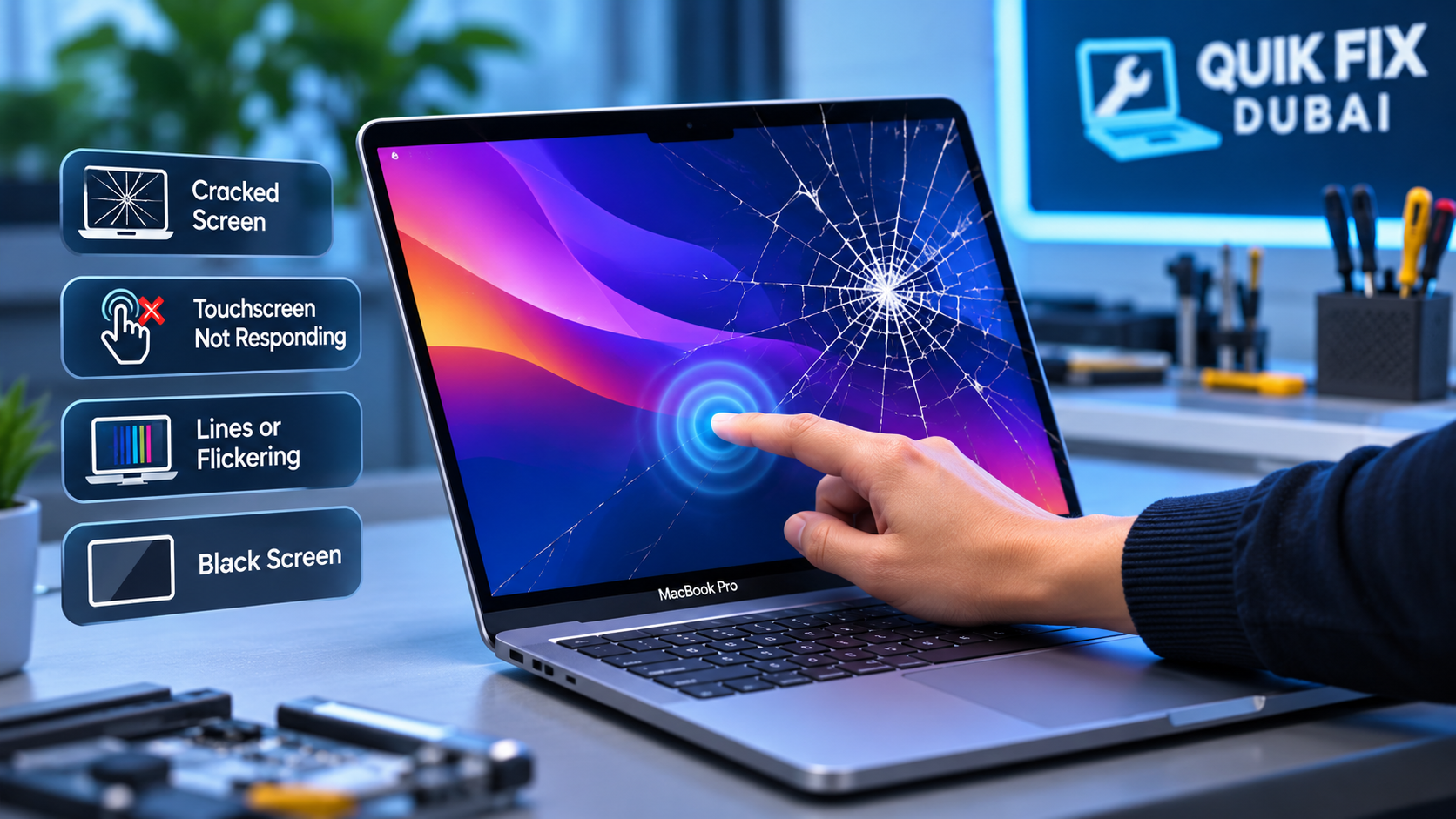
Damage done to the touchscreen of a MacBook Pro can produce different kinds of issues based on the type and degree of the damage done.
What issues might users have with their devices?
1. A Cracked Screen or Damaged Glass
The MacBook’s screen may crack due to accidental dropping or pressure applied inside the bag, as well as due to impacts from outside.
Even though the device might still work, a cracked display will limit the visibility and interfere with touch functionality.
Small cracks may cause bigger problems, too.
2. Touchscreen No Longer Works
One of the biggest worries people have with their new MacBook Pro purchase is whether its touch technology will still work as it should.
After having sustained some damage to the built-in touch system, users may encounter the following problems:
- The touch screen might not register the touch input.
- Some parts of the display are no longer interactive.
- The screen is responding slowly to touch commands.
- Users are experiencing malfunctioning or random touches.
It is possible for the screen to still be functioning in all other respects while the touch function has totally stopped working.
3. Black Screen Yet MacBook Still Powers On
The presence of a black screen doesn’t necessarily indicate that your MacBook has stopped functioning altogether.
If you hear any startup sounds, notice keyboard activity, or see indications that the device is functioning, the underlying cause could be the display panel, wiring, or circuitry.
It might require a professional examination to determine the true nature of the defect.
4. Lines, Flickering, or Distortion of Display
Physical impact or faulty display can lead to:
- Vertical and horizontal lines.
- Screen flickering.
- Altered colors.
- Dark stains or bleaching.
- Distorted images.
All of these are likely indicators of damage to the display unit that should be taken care of before the situation gets worse.
5. OLED Display Problem
The innovative tandem OLED technology offers high-quality images. But physical damage can result in malfunctioning of the display.
You might observe black spots, unusual brightness of colors, distorted hues, or different areas of the panel that stopped working properly.
Depending on the degree of damage of the display, either servicing or replacement will be needed.
Can You Repair a Damaged Touchscreen MacBook Pro Display?
Certainly, the display of a damaged touchscreen MacBook Pro can be fixed. Nevertheless, determining the proper fix depends on which components have already sustained damages.
Because the touch sensor is built into the display panel, fixing touch-related damages might be more complex than remedying conventional display damages.
Following are some possible repair options:
| Display Problem | Possible Solution |
|---|---|
| Cracked display | Display assembly replacement |
| Touchscreen not responding | Touch system diagnosis and display assessment |
| Black screen | Display and internal connection diagnosis |
| Flickering display | Panel or display circuit inspection |
| OLED damage | Professional panel assessment |
| Distorted colours | Display diagnosis and possible replacement |
It is good not to conclude that every screen problem needs the same kind of repair. The technician has to evaluate the device and then state whether it is going to be replaced or not.
Does Touchscreen Damage Mean You Need a Full Screen Replacement?
There is no need to say so, but integrated display technology can make repairs much more complicated. In case of a regular MacBook, the technicians deal with LCD, backlight, display cables, and other components according to the model.
The 2026 touchscreen MacBook Pro has a different display architecture as the touch function is part of the panel, therefore, the damage which caused the malfunctioning of the display or touch sensors may lead to the need to replace the entire display assembly instead of just the outer glass.
The repair will differ depending on which part is damaged, the model it belongs to and whether there are any compatible parts available for replacement.
How Much Does Touchscreen MacBook Pro Screen Replacement Cost in Dubai?
The expenses associated with repairs to a touchscreen MacBook Pro from 2026 are contingent upon a number of factors, which include:
- The nature of the damage suffered by the OLED panel.
- The level of the damage caused to the touchscreen.
- The necessity of changing the entire assembly of the display.
- The availability of replacement products that are suitable for the repairs.
- The specific model of MacBook Pro (the 14 inch or the 16 inch).
- The severity of the kind of damage suffered by your device.
As the technology used in the touchscreen display from 2026 is relatively new, the cost of repairing it might be different from that of standard MacBook Pro displays.
In order to know the price of the repair, get in touch with a professional technician working with MacBook repairs in Dubai to perform repairs.
What Should You Do Immediately After Damaging Your MacBook Screen?
If you accidentally harmed your touchscreen MacBook Pro, follow the steps below to minimize the consequences.
1. Do Not Touch The Damaged Spot.
You should refrain from pressing or rubbing the damaged area of the screen since this may worsen the damage or lead to injury from cuts.
2. Remove Connected Devices.
Once you have ensured that it is safe, unplug all the devices.
3. See If The MacBook Is Working.
Try listening for signs of normal functioning, such as the sound of the device turning on or the keyboard lighting up. Do not try to restart the gadget too many times.
4. Backup Important Information.
If everything seems to be okay with your MacBook and it is safe to use the display, make sure to back up any necessary files.
5. Avoid Repairing It Yourself.
MacBook Pro displays are very complicated since they comprise very sensitive parts. If you try to fix it on your own and do it wrong, it may lead to bigger issues.
6. Go To A Repair Service.
The malfunctioning display should be checked by professionals.
Why Choose QuikFix Dubai for MacBook Screen Repair?
Dealing with a damaged MacBook display is not easy and can pose a challenge when it comes to the touchscreen technology of, especially, the latest devices now in the market.
QuikFix Dubai has specialized in providing high-quality MacBook repair services for various problems related to display and other parts of a device.
Our expertise in MacBook screen repair involves identifying the reason behind the problem and providing the needed solution.
Why choose QuikFix Dubai?
- Experienced MacBook repair experts.
- Perfect display diagnostic services.
- Screen replacement for selected models of MacBooks.
- Quality spare parts used in repairs.
- Warranty for screen repair service.
- Quick repair service available for selected models.
- Complimentary pickup and delivery in Dubai.
Whether your MacBook display is damaged, it’s flickering, or it is black, we can provide help.
If you want professional MacBook screen repair in Dubai, reach QuikFix Dubai to speak about the issue with the device and to set up an appointment for diagnosis.
Final Thought
The touchscreen MacBook Pro of 2026 marks an important milestone in the development of Apple’s laptops. Its OLED screen and built-in touch technology makes the laptop easier to use for both professionals and common users.
Unfortunately, damage to the display can have a negative effect on the touchscreen function. Given that the sensor is part of the screen, some repairs may require changing the whole screen assembly.
If any defects appear in your touchscreen MacBook Pro, do not try to fix it yourself.
For repairs, simply contact QuikFix Dubai and let expert technicians see your MacBook.
Repair time depends on the MacBook model and replacement screen availability. QuikFix Dubai offers same-day screen repair for eligible models. Newer touchscreen models may require additional time depending on parts availability.
If the display and keyboard remain functional, you may be able to use the MacBook with its keyboard and trackpad. However, cracked glass, spreading damage, or other display problems should be professionally inspected.
The replacement cost depends on the model, display damage, component availability, and repair requirements. Newer OLED touchscreen assemblies may cost more than conventional MacBook displays.
Yes. A damaged touchscreen MacBook Pro can be assessed for repair. Depending on the damage, it may require display assembly replacement or other component-level servicing.
Leave A Comment